Loyalty cards in Apple Wallet and Google Wallet, explained
A plain-language guide to loyalty cards in Apple Wallet and Google Wallet: how passes work, what customers see, and why no app is needed.
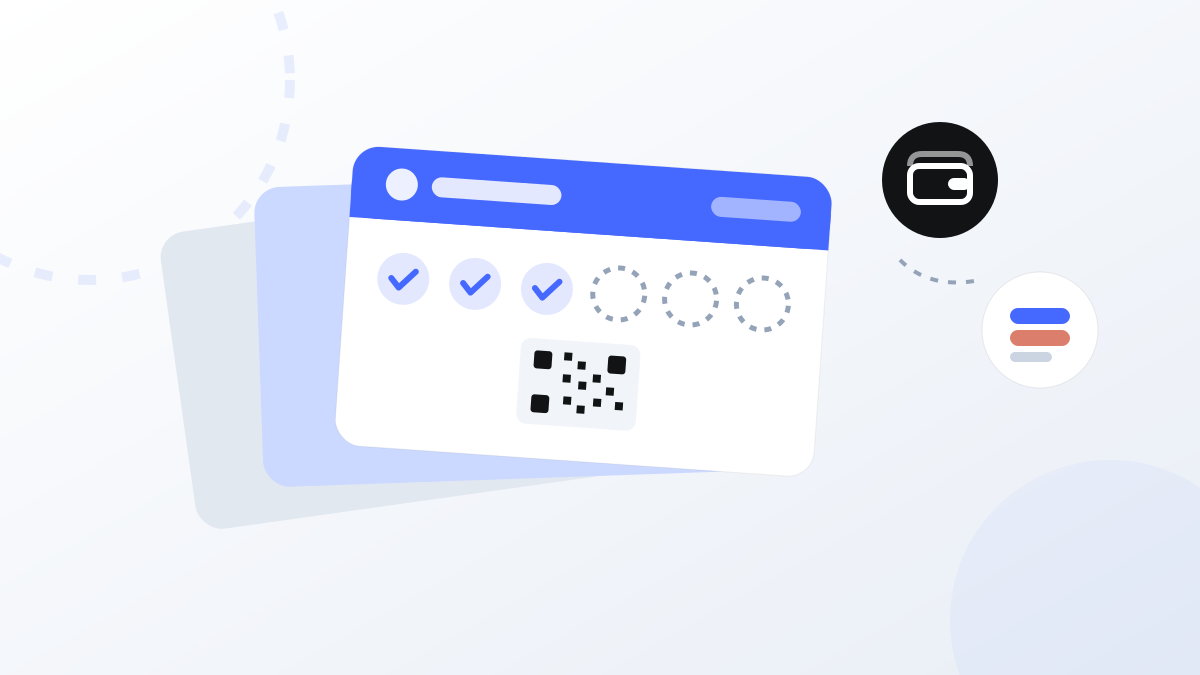
If you have ever added a boarding pass or a concert ticket to your phone, you already know where digital loyalty cards live. Apple Wallet on iPhone and Google Wallet on Android hold the same kind of pass — and a stamp card can sit right there, next to the customer's bank cards and tickets, updating itself as they visit.
This is a plain-language explainer for shop owners: what a wallet pass actually is, what the day-to-day looks like, how Apple and Google differ in practice, and what data changes hands.
What a wallet pass actually is
A wallet pass is a small digital card stored in the phone's built-in wallet app. It uses the same slot as boarding passes, event tickets, and hotel key cards. Under the hood it is a tiny file the phone downloads once. On screen it is a card with your logo, your colours, a stamp count, and a barcode or QR code.
Two properties make passes a good fit for loyalty:
- They are live. The business that issued the pass can update it remotely. When a customer collects a stamp, the number on the card changes. When you publish news — new opening hours, a seasonal special — the pass can carry that message too.
- They are native to the phone. There is nothing to download from an app store, no account to create, no password to invent. The customer taps "Add to Wallet" and the card is there, alongside everything else they already carry.
That second point matters more than it sounds. The most common reason a loyalty program stalls is friction at sign-up, and a wallet pass reduces enrolment to a few taps at the counter.
How a loyalty pass works day to day
The customer adds the card once — typically by scanning a QR code at your counter or tapping a link. From then on, the routine looks like this:
- At the register, the customer opens the pass and your staff scans its barcode or QR code with the Stampit Partners app (or taps via NFC). That is the stamp — about as fast as a paper card, without the rubber stamp or the "I left it at home."
- The card updates itself. The stamp count on the pass changes right on the customer's phone. When they reach the reward, the pass says so — no mental arithmetic, no counting ink smudges.
- You can push updates. News and announcements travel to the passes your customers hold, so the card doubles as a small, quiet communication channel.
- The pass knows where your shop is. Both wallets can surface a pass on the lock screen when the customer is near the location tied to it. Someone walking past your café gets a quiet reminder that their card is right there.
If you run more than one location, one program covers them all. Cafe Tone, a specialty coffee shop with three locations in Prague, runs a single stamp card across all three — a stamp collected in one shop counts everywhere.
Apple Wallet vs Google Wallet — what differs in practice
For you as a business, the differences are small, but worth knowing:
| Apple Wallet | Google Wallet | |
|---|---|---|
| Availability | Preinstalled on every iPhone | Preinstalled on most modern Androids; occasionally needs a quick install from Google Play |
| Adding a card | Tap a link or scan a code, preview the pass, tap "Add" | Tap "Add to Google Wallet"; the pass attaches to the customer's Google account |
| Look | Fixed card layout; extra details live on the back of the pass | Slightly different card layout; some details show inline |
| Updates and location alerts | Supported | Supported |
The practical advice: treat both as first-class. Your customer base will be split between iPhone and Android, and the split varies by country — as a rule of thumb, Android leads in Czechia while iPhone leads in Denmark. A loyalty card that only works well on one platform quietly excludes a big share of your regulars. With Stampit, the same program produces both pass types automatically, so you never have to think about it.
What customers see and what they don't
Wallet apps also hold payment cards, which makes some customers cautious. The important facts:
- Adding a loyalty pass shares no payment data. The pass is a separate object in the wallet. It cannot see, touch, or transmit anything about the bank cards sitting next to it.
- The business sees program activity, not the phone. As the shop owner, you see what the program records: cards issued, stamps given, rewards redeemed. You do not see the customer's location history, contacts, photos, or other passes.
- Location alerts happen on the phone itself. The pass carries your shop's coordinates; the phone decides locally when to show it on the lock screen. No stream of the customer's whereabouts flows back to you or to Stampit.
If a customer asks, the honest one-line answer is: "It's like a paper stamp card, except it can't get lost — and it tells us nothing about you beyond your stamps."
Common questions
Does it work without internet? Yes, for the part that matters at the counter. The pass is stored on the phone, so the barcode displays even with no signal. Updates — like a new stamp count — arrive once the phone is back online.
What if the customer changes phones? Apple Wallet passes come along with the standard iPhone transfer or iCloud backup. Google Wallet passes are tied to the customer's Google account and appear after signing in on the new device. And worst case, a card can simply be added again the same way it was added the first time.
Can one customer hold cards from several shops? Yes. A wallet holds any number of passes, and each shop's card is independent — the bakery's card and the barber's card live side by side.
Do customers need the Stampit app? No. The pass works entirely inside Apple Wallet or Google Wallet. There is an optional Stampit app for people who like having all their cards and nearby partners in one place, but nobody has to install it.
What this means for a small business
The infrastructure for digital loyalty is already in your customers' pockets. You do not need to build an app, convince anyone to install one, or keep feeding a printer with plastic and paper cards that end up in drawers. The wallet pass gives you a card that cannot be forgotten at home, updates itself, and can speak to your customers between visits.
Setting one up is self-serve: the onboarding wizard at partners.stampit.app takes a program from nothing to working in roughly 15 minutes, and there is a free trial to test it with real customers before committing.
Keep reading


Put your loyalty program in every customer's wallet
Set up digital stamp cards for Apple Wallet and Google Wallet in minutes — your customers don't need to install anything.
Start for free